IPTV With Box or Without? Which Option Fits Your Home
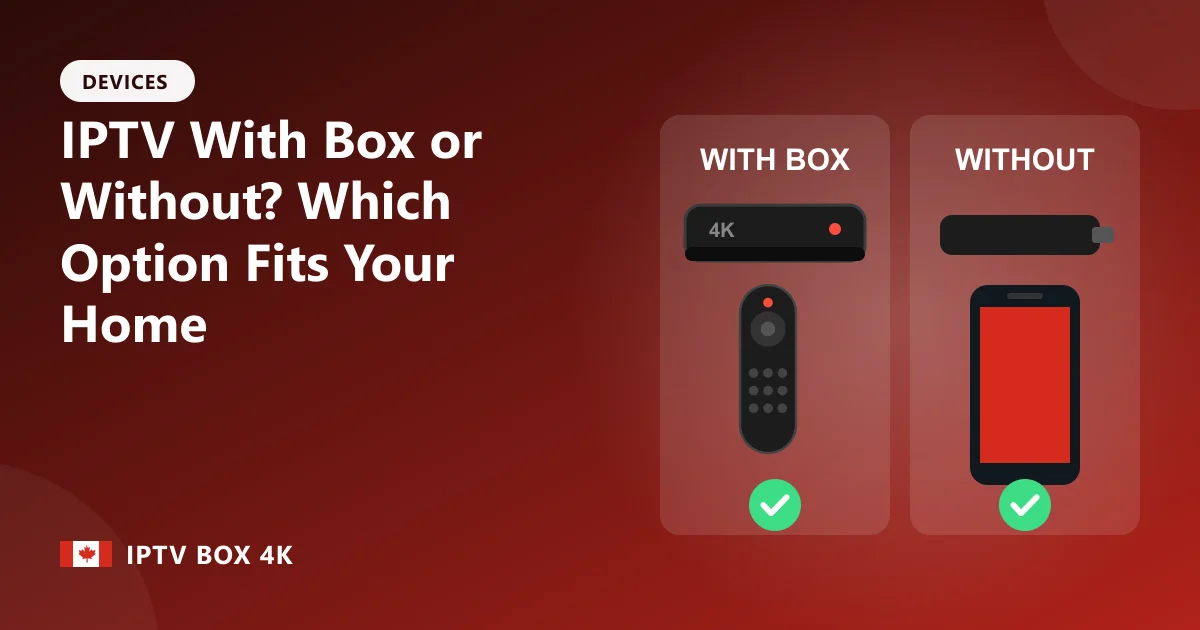
When you order IPTV, there are two ways to do it: buy a subscription and use a device you already have, or get IPTV with box, where the streaming box arrives already set up. Both give you the same channels. The right choice depends on your TV, your current devices and how much setup you want to do.
Option 1: Subscription only
If you already own a Fire TV Stick, an Android TV box, a MAG or Formuler box, or a recent Samsung or LG Smart TV, you only need the subscription. You get your login on WhatsApp within 5-7 minutes, install the player app and start watching. It's the cheapest option, starting at $19.99 CAD for a month.
- Best for: people who already have a streaming device, and anyone comfortable installing an app.
- Cost: subscription only.
- Setup: about 10 minutes with our guides.
Option 2: IPTV with box
With IPTV with box, we ship a 4K Android TV box with the player app and your login already installed and tested. You connect HDMI and power, join your Wi-Fi or plug in Ethernet, and the channel list is there. The box is yours to keep.
- Best for: older TVs, homes without a streaming device, and anyone who wants zero setup, including parents and grandparents.
- Cost: box plus a 12-month subscription in one price.
- Setup: plug in and watch.
Picture quality and speed
A dedicated IPTV box usually beats a Smart TV app. TV processors are designed to display a picture, not to run apps, and apps on older TVs stop being updated. A current box has a faster processor and more memory, so menus open quickly and channels change faster. A box with an Ethernet port also gives you a steadier connection than the Wi-Fi in most TVs.
Quick decision guide
- Your TV is more than five years old → IPTV with box
- You already have a Firestick or Android TV box → subscription only
- You want Ethernet for live sport but your stick is Wi-Fi only → IPTV with box
- You want to test the service cheaply first → 1-month subscription, then add a box later
- You're setting it up for someone else → IPTV with box
Can you switch later?
Yes. Your subscription isn't tied to one device. Start with your Firestick and move to a box later, or keep the box in the living room and use the app on a phone or tablet elsewhere. Just ask us to add a connection if you want to watch on two screens at once.
See the full details of the bundle on our IPTV with box page, or compare IPTV box plans if you already have a device.
Frequently asked questions
Is IPTV with box more expensive?
Upfront, yes, because you're buying the box. If you don't already own a good streaming device, it's usually the best value, since the box is yours to keep.
Do I get different channels with a box?
No. The channels, movies and series are the same either way. The box just makes setup easier and the picture often smoother.
Can I use my own box with IPTV Box 4K?
Yes. Any Android TV box, Fire TV, MAG, Formuler or supported Smart TV works with a subscription-only plan.
Ready to watch? See IPTV box plans, get IPTV with box or read the IPTV box setup guides.